
Door Bell Wiring Multiple Switch Series Lamp
Learn how to wire a doorbell with multiple switches and series lamps for efficient control and easy installation. Step-by-step wiring guide with diagrams included.
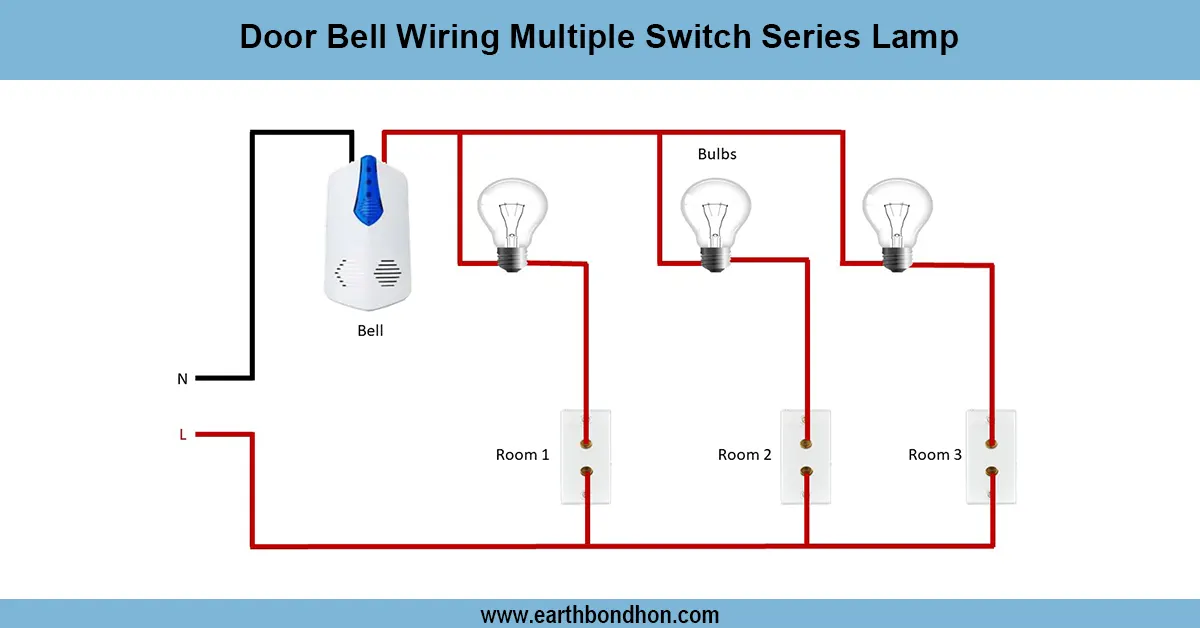
multiple switch doorbell connection
To wire a doorbell that has more than one switch and series wired lamps enables one to operate the door bells more efficiently regardless of his/her position. There are parallel switch connections such that any switch can complete the electric circuit leading to the ringing of the bell and lighting up of the lamps. It is a convenient wiring application that enhances accessibility and energy consumption, which is ideal in residential or commercial applications.
Formula & Table Summary:
- Switches connected in parallel for independent control
- Lamps connected in series for controlled illumination
- Doorbell rings when any switch closes the circuit
| Component | Connection Type | Function |
|---|---|---|
| Switch 1, 2, 3 | Parallel | Activates doorbell when pressed |
| Lamp 1, 2 | Series | Lights up when doorbell rings |
| Doorbell Chime | Series with lamps | Rings when circuit completes |
doorbell wiring multiple switches
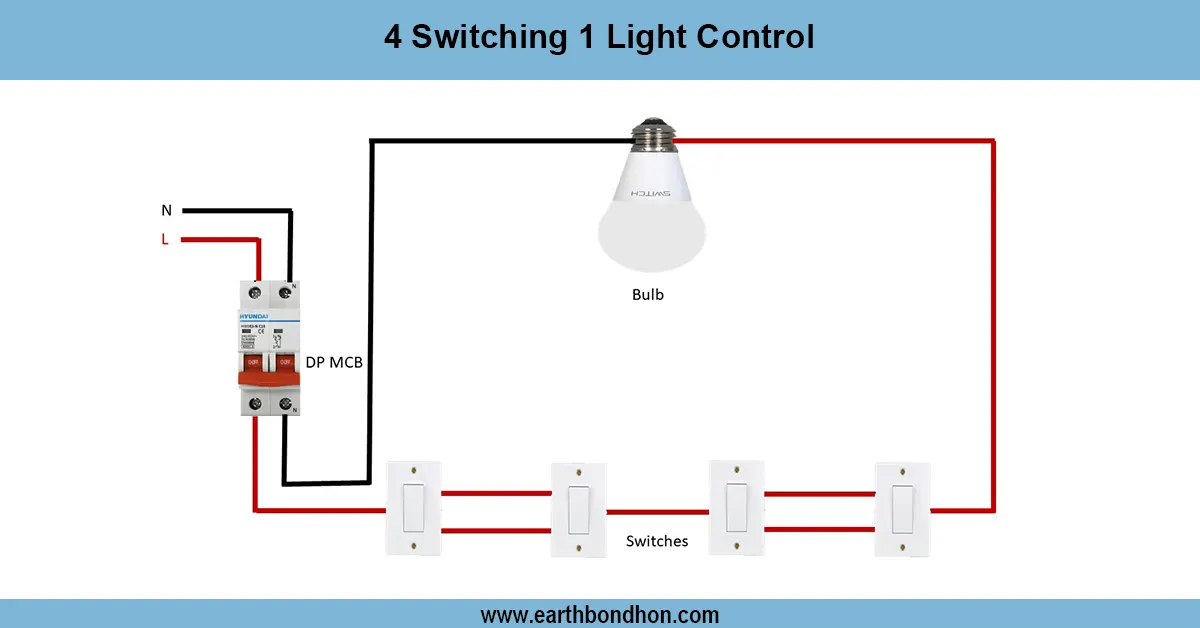
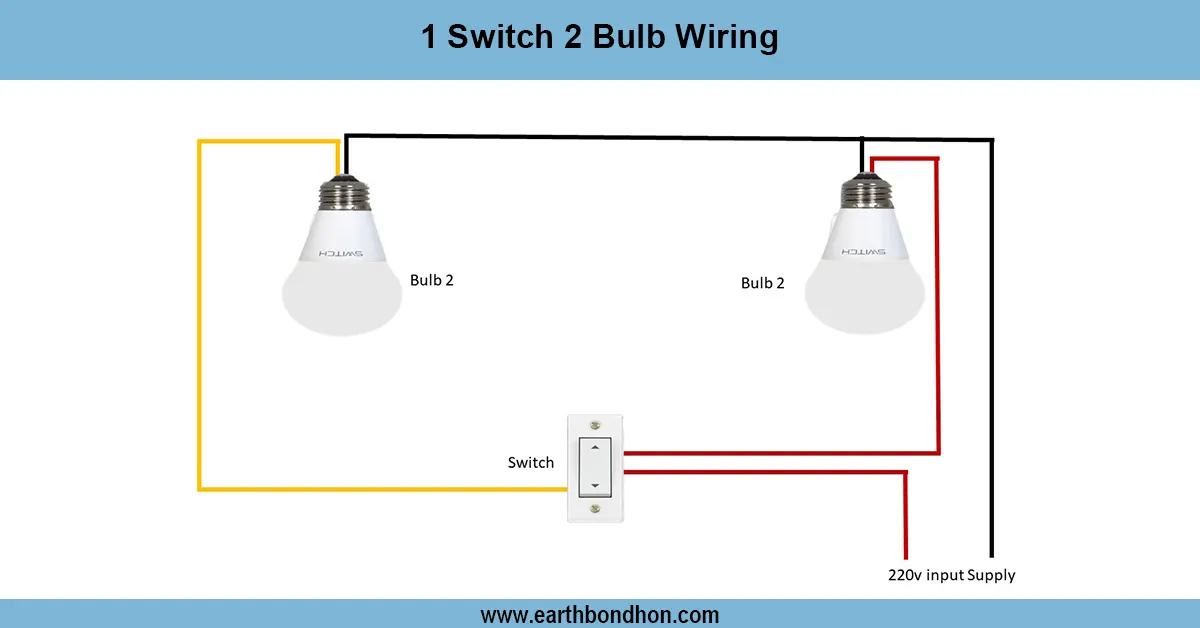
Multiple-switch, series lamp wiring of doorbells permits the control of this lamp at many locations within a building. Switches are connected in parallel such that by pushing any one doorbell rings and the lamps connected in series light. This arrangement is best suited where the house or office has numerous entries so that both convenience and security is taken care of. The lamp wiring in series will supply controlled amount of light, whereas the independent control is possible through parallel switches connections. Safe operation is guaranteed by good wiring and safety considerations. The guide draws DIYers and electricians with easy time in implementing or fixing the system.
series lamp wiring diagram
| Input (Switch Pressed) | Output (Bell Rings) | Output (Lamps On) |
|---|---|---|
| Switch 1 | Yes | Yes |
| Switch 2 | Yes | Yes |
| Switch 3 | Yes | Yes |
| No Switch | No | No |