Power of Touch Switch Circuit
Learn to build a Power of Touch Switch Circuit to control devices with a touch. Step-by-step DIY guide, working principle, components, and diagram included.

What is a Power of Touch Switch Circuit?
A Power of Touch Switch Circuit is a device that is used to identify the human touch on a metal plate or sensor pad. Once touched, the tiny electrical signal is multiplied so that it activates a transistor or MOSFET that in turn turns on the power supply to a device that it is connected to. This will eradicate the use of mechanical switches and will introduce comfort and fashion to the electrical gadgets.
DIY touch switch circuit
The Power of touch switch circuit enables you to operate the electrical gadgets by merely touching a sensor pad. This is a DIY project to substitute mechanical switches with touch-sensitive electronic controls with transistors, MOSFETs, or ICs.
Here, we shall describe the parts, mechanism, circuit diagram, and stepwise instructions of a touch switch that can switch fans, lights, or other small appliances ON and OFF. It suits the hobbyist, students, and electronics enthusiasts who desire a modern, compact, and convenient way of controlling power without mechanical contact. The project illustrates practically the basic concepts of touch sensing, signal amplification, and device switching.
Components Required for the Circuit
- Capacitive or resistive touch sensor pad
- N-channel MOSFET or transistor (e.g., IRFZ44N, BC547)
- Resistors (1kΩ–100kΩ for biasing)
- Capacitors (10nF–100µF for filtering and stability)
- Relay module (optional, for high-power device control)
- DC or AC power supply (5V–12V for sensor, load voltage as per device)
- LED (optional, for indication)
- Connecting wires and PCB/breadboard
Working Principle of Touch Switch Circuit
Capacitive or Resistive Touch Detection
The sensor pad detects touch through a change in capacitance or voltage. For capacitive sensing, the touch increases the effective capacitance based on: $$ C = \epsilon \frac{A}{d} $$ A small current flows when touched, generating a measurable signal.
Signal Amplification and Triggering
The weak sensor signal is amplified using a transistor or MOSFET driver. ICs like the 555 timer or dedicated touch ICs provide stable triggering and noise immunity.
Device Switching via MOSFET/Relay
The amplified signal switches the MOSFET or relay to turn the connected device ON or OFF. A relay or MOSFET ensures isolation from high-power loads for safety and reliability.
Power Touch Switch Circuit Diagram
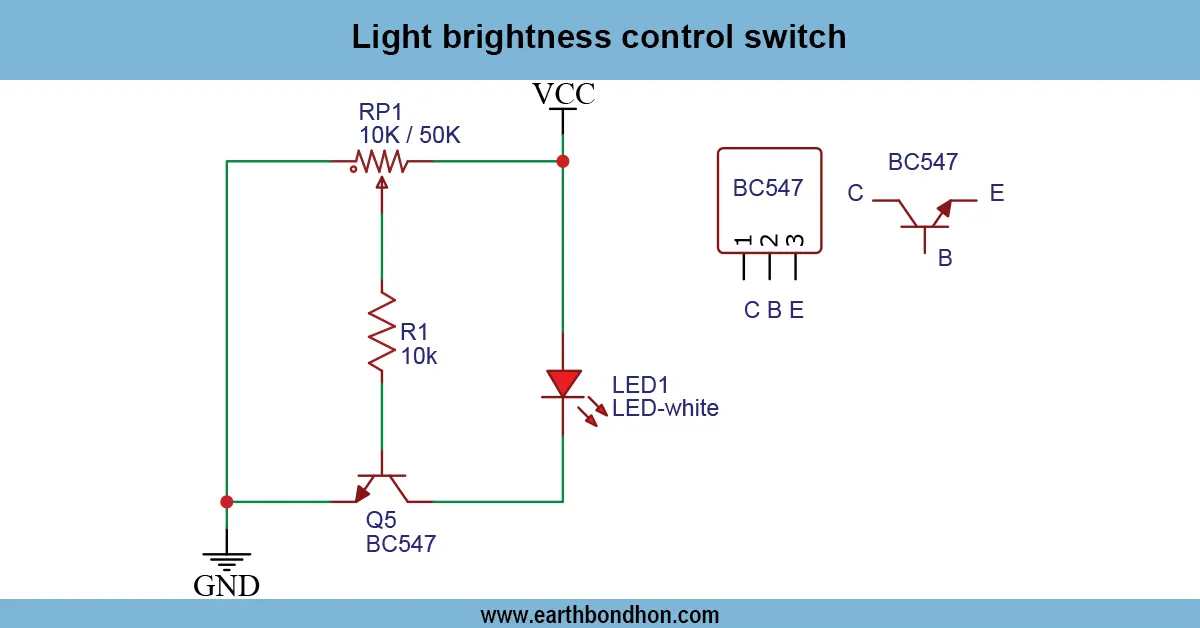
Connect the touch sensor to the gate/base of the transistor or MOSFET through a current-limiting resistor. Connect the load to the drain/collector, and provide proper power supply connections. An optional LED indicator may be added in parallel with the output. Touch the sensor pad to toggle the device ON/OFF.
Step-by-Step DIY Construction Guide
- Mount the MOSFET/transistor, resistors, capacitors, and sensor pad on a PCB or breadboard.
- Connect the sensor pad to the input of the MOSFET/transistor.
- Connect the output load to the MOSFET/transistor.
- Add an LED indicator if needed.
- Apply power and test the switch by touching the sensor pad.
- Adjust component values if false triggering occurs.
Applications of Touch Switch Circuit
- Touch-sensitive lamps and lighting systems
- Fans and small appliance control
- DIY home automation projects
- Educational electronics experiments
- Modern electronic switches for furniture and panels
Safety Precautions
- Use low voltage for sensor circuits.
- Use relay/MOSFET for isolating high-power devices.
- Avoid touching or exposing mains AC voltage.
- Test the circuit first with low-power loads.
Troubleshooting Common Issues
Switch Not Triggering
Check the sensor pad connections and verify that power is reaching the sensor circuit.
Device Not Responding
Ensure that your MOSFET or relay can handle the load current and the connections are correct.
False Triggering
Reduce external noise by shielding the sensor pad. Modify resistor or capacitor values to improve stability.