

Diy Power Extension Board Circuit
Learn how to make a DIY Power Extension Board Circuit with surge protection, wiring diagram, components, and step-by-step construction for safe multi-device use.

What is a DIY Power Extension Board Circuit?
A DIY Power Extension Board Circuit is a circuit used in electricity that transforms one AC point into various points. It contains individual socket switches, a fuse or MCB, and occasionally surge protectors. This enables the safe working of various devices and the avoidance of electrical hazards.
DIY multi-socket extension board
A DIY Power Extension Board Circuit can be used to easily increase one AC outlet into several sockets to power several devices at once safely. By wiring and using fuse protection and surge control, it is possible to avoid overcurrent, short circuits, and accidental shocks.
This tutorial has described how it works, parts, wiring, and the instructions on how to assemble a homemade power extension board. It discusses safety measures, troubleshooting, and the field of use as well. Based on this guide, hobbyists and students are able to create a sound extension board that can be used by them at home or in a small workshop, especially in case of convenience and safety.
Components Required for the Circuit
- AC power socket (input)
- Multiple AC sockets (output)
- SPST switches for each socket
- Fuse or Miniature Circuit Breaker (MCB)
- Copper wires or PCB tracks
- Surge protector module (optional)
- Insulated enclosure or box
- Screws and terminals
Working Principle of Power Extension Board
AC Mains Input
The AC mains supply enters the board through the input socket and fuse protection.
Fuse and Protection
The fuse or MCB protects the board and connected devices from overcurrent. A surge protector can safeguard sensitive electronics from voltage spikes.
Switch and Socket Operation
Each output socket is connected to an individual switch, allowing selective ON/OFF control. The switched AC flows to the connected devices safely.
DIY Power Extension Board Wiring Diagram
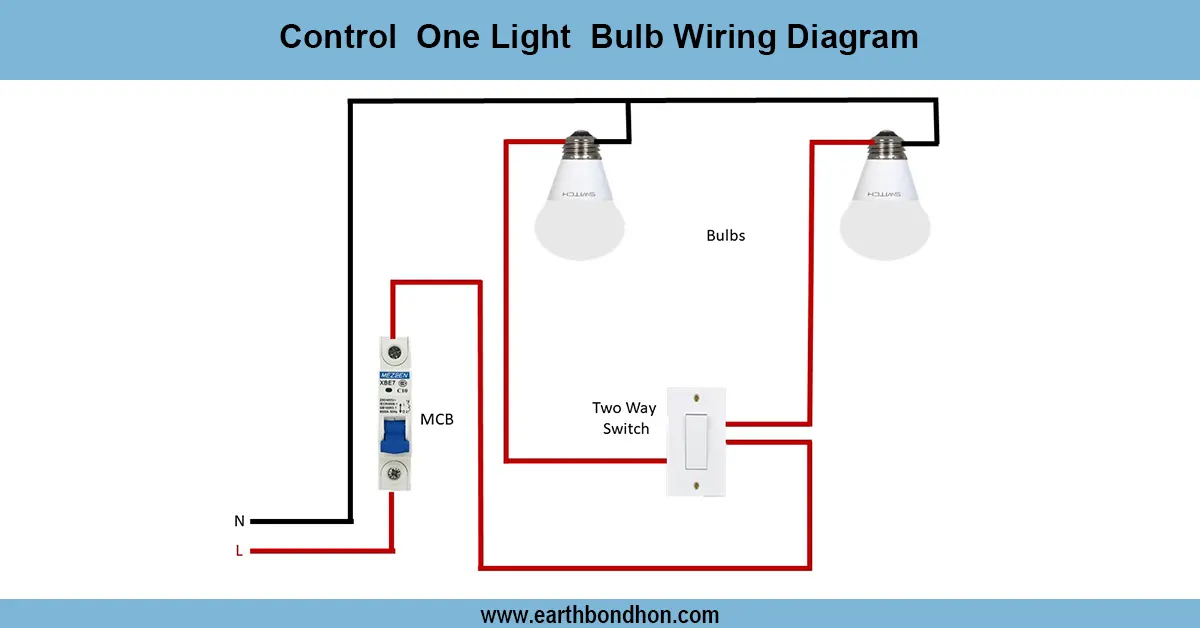
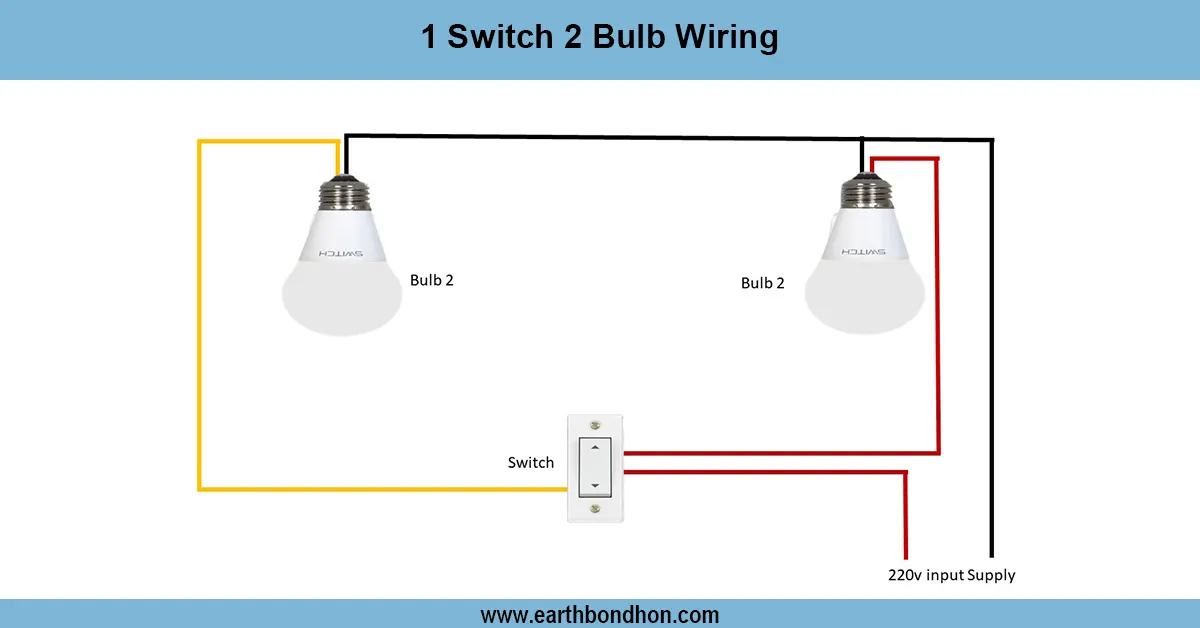
- Connect live (phase) AC wire to the input socket and fuse.
- From fuse, wire to individual SPST switches.
- Connect each switch to its respective output socket live terminal.
- Connect neutral wire directly from input to all socket neutral terminals.
- Connect earth (ground) to all socket earth terminals.
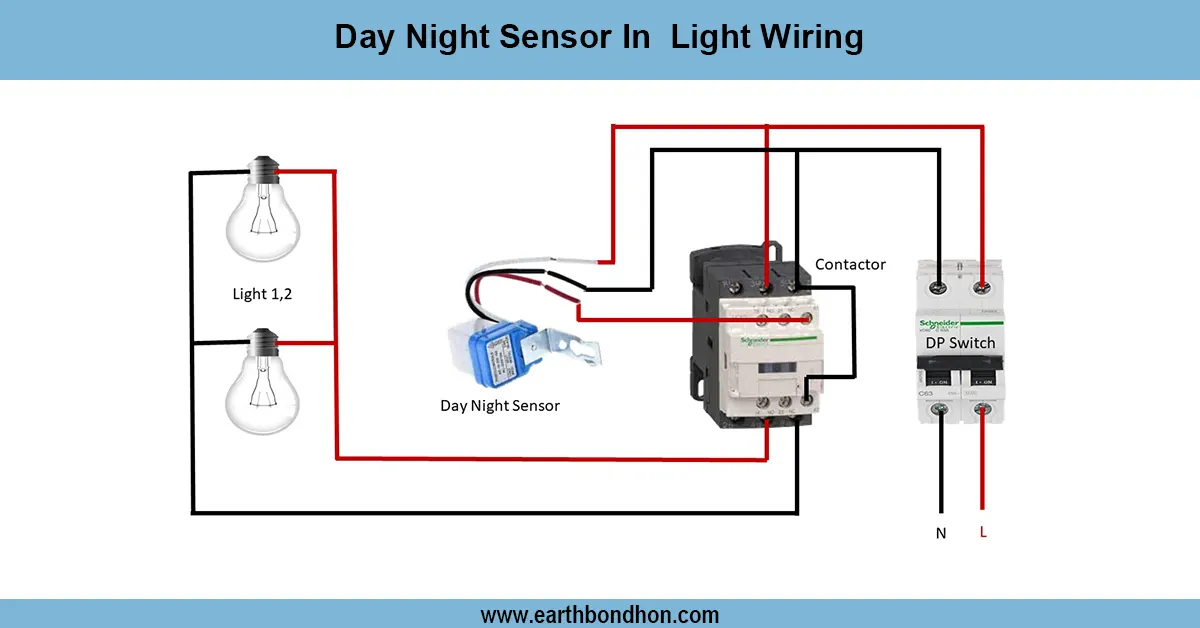
- Optional: connect the surge protector in parallel with the input AC.
- Enclose circuit safely in an insulated box.
Step-by-Step Construction Guide
- Select a proper insulated enclosure for the board.
- Mount the AC input socket and multiple output sockets.
- Install SPST switches for each socket.
- Connect wires from the input to the fuse, then to the switches, and then to the output sockets.
- Connect neutral and earth lines to all sockets.
- Install optional surge protection module.
- Tighten all screws and secure connections.
- Test each socket with a small appliance before full use.
Safety Precautions
- Always use insulated wires and proper enclosures.
- Ensure fuse or MCB rating matches total load.
- Avoid overloading sockets beyond capacity.
- Double-check connections before powering the board.
- Keep the board away from water or moisture.
Applications of DIY Power Extension Board
- Home and office use for multiple devices
- Small workshops for power tools
- Lab experiments needing multiple AC sources
- Temporary setups for events or DIY projects
- Safe extension for computers, lamps, and electronics
Troubleshooting Common Issues
Board Not Powering Devices
- Check input socket wiring and fuse.
- Verify switches are ON and connected properly.
Fuse Blowing Frequently
- Reduce total connected load.
- Check for short circuits or faulty devices.
Socket Sparks or Overheating
- Ensure proper gauge wire for current.
- Use high-quality switches and sockets.
- Avoid loose connections.